
I am a sucker for numbers. I could spend hours picking apart a single activity in Strava or Garmin Connect, comparing maps, searching for the segment stats, you name it. And yet, during the run itself, I try to look at my watch as little as possible.
Those two things are not in conflict. They are the same discipline, applied at different times. Obsess after. Stay simple during. This post is about the watch that makes that possible, and the exact data I have decided to look at during Spartathlon.
The Enduro times
I bought the Enduro 3 ahead of KoBoLT 2024, a 140-kilometer trail race I had hiked beforehand specifically because I knew the course marking was unreliable. I needed a device with strong GPS and a proper map display, something that did not depend on cell reception to tell me where the trail actually was. The Enduro 3 was the answer.
It is, without a doubt, the single best investment I have made in this sport, especially on trail. It has let me go into remote areas all over the world with the confidence that I will find the path, even when the course marking makes it difficult.
Battery life is the other half of the story. The watch charges partly with solar energy, and on some days outdoors I have come home with more battery than I left with. The longest single activity I have recorded on it was Mt. Fuji 100, just over 35 hours. It started at full charge. At the finish, it still had slightly above 50 percent left.
Before the Enduro times, it was a logistics nightmare. During my second Mauerweg, I brought power banks in my drop bags to charge my Garmin Forerunner, but forgot the cable. A friend who was keeping me company by bike had to ride home, get his own cable, find me again on the course, and ride alongside me while my watch charged. It made for a funny story in the end, but it was a hassle I do not want to repeat.
Laps, not distance
I have written before about why I stopped looking at total distance during a race. It is close to useless. Add in a wrong turn, a walking stretch, a bathroom visit, and the number stops meaning anything without doing math (and the math under fatigue will likely be wrong).
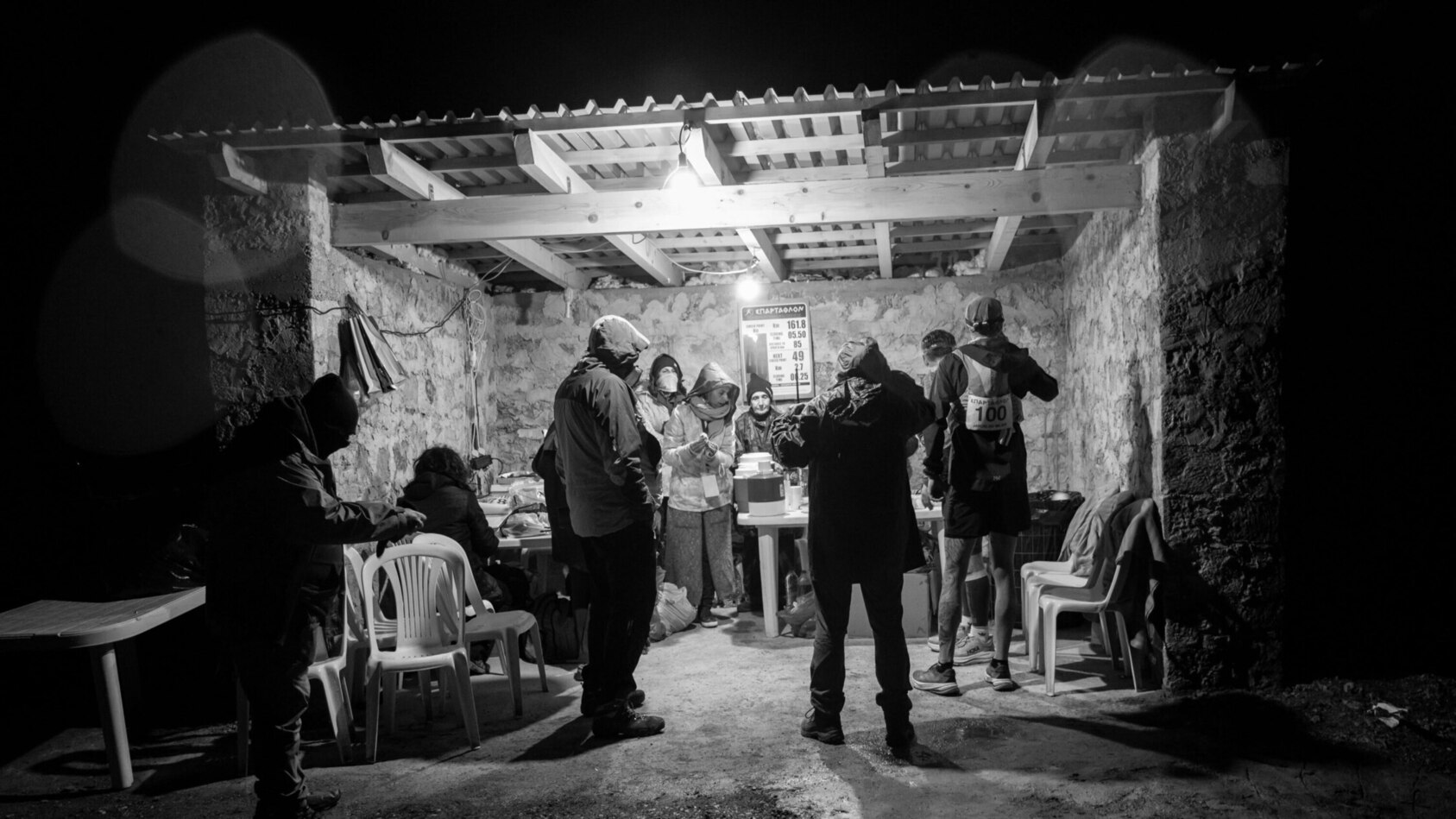
What I look at instead is the lap. On a course with checkpoints, a lap is the segment between one aid station and the next. It is the unit I look forward to finishing. A good lap, meaning I left the previous aid station on schedule and held close to the pace I expected, is motivating on its own. A bad lap is not the end of anything. It just means I have information: was I too slow at the stop, did something unexpected happen, is there a pattern building that I need to correct.
The lap button is manual for me, not automatic, and I have come to like that. Pressing it at a checkpoint is a small physical milestone. Whatever happened in the last segment stays there. The next one is new.
What is on my watch for the race
I build different data screens for different races, depending on what the course actually demands. Sunrise and sunset times for something with a long dark stretch. Elevation for a mountain course. For Spartathlon, I have landed on something close to minimalist: two screens, nothing else.
The main screen has five things. Temperature, which on this device is a blend of ambient and body heat, so it is less a weather reading and more a sense of how hot I am actually running, useful for adjusting pace expectations across a course that moves through very different microclimates.
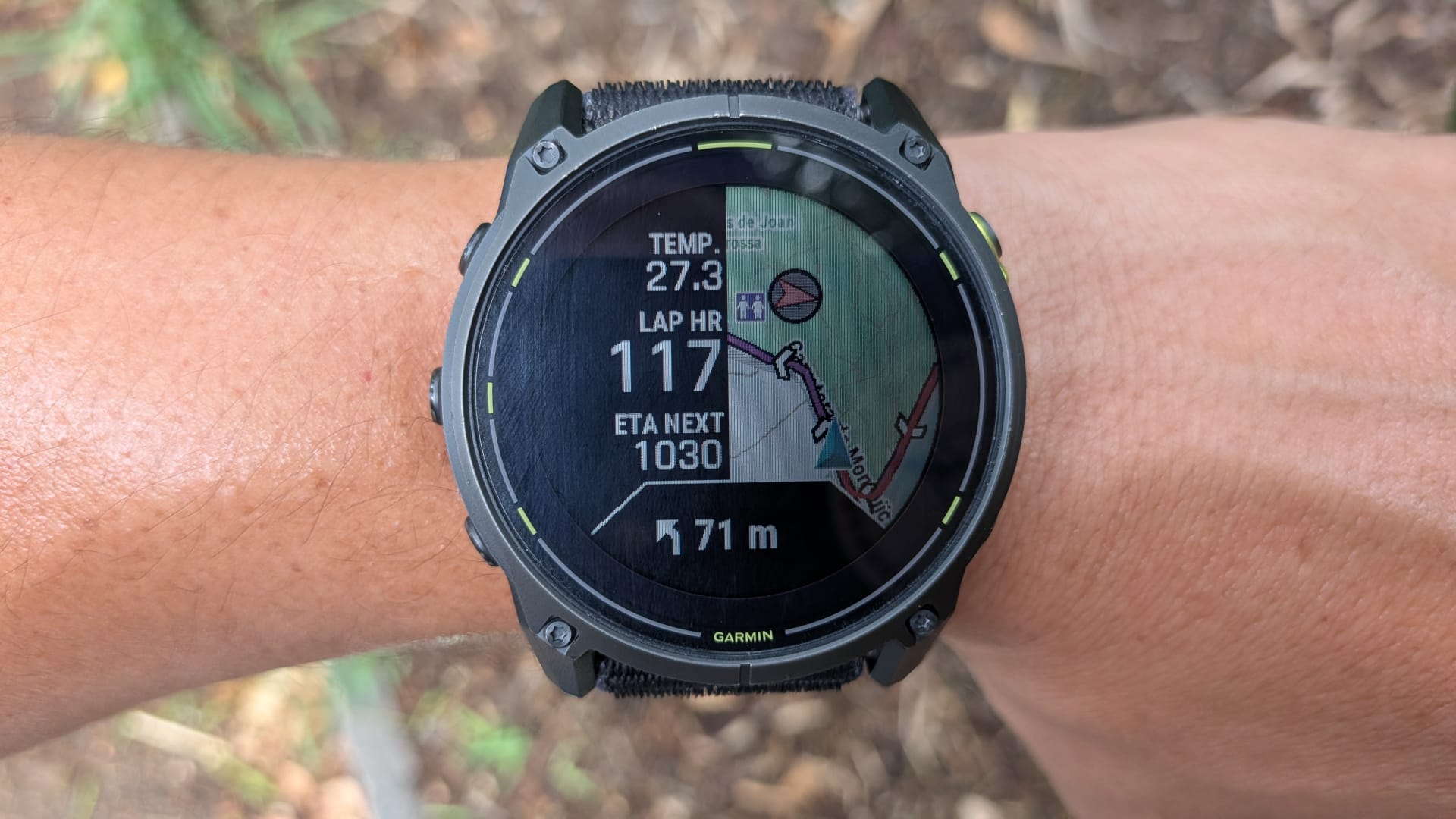
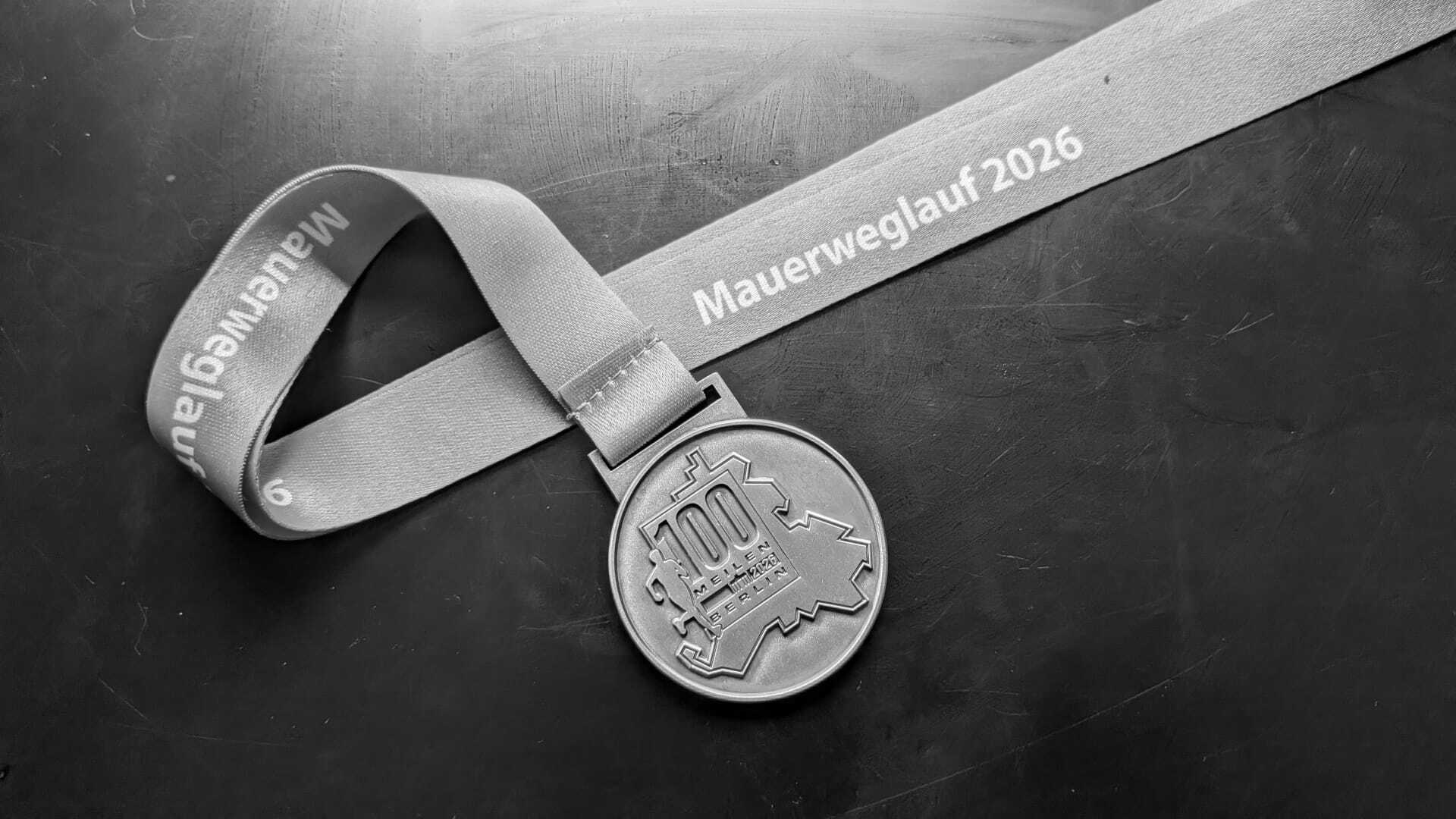
Lap heart rate, the newest addition to my setup, added specifically because of what happened during the Mauerweglauf a few days back. Seeing that number in real time might have let me back off before the GI crash.
ETA to the next checkpoint, which tells me instantly how much cushion I have against the cutoff, most useful in the first third of the race when the margins are tightest. Distance to the next checkpoint, mainly for managing water between stops.
And navigation, as a sanity check rather than a primary tool. Spartathlon is well marked, but fatigue makes people follow whoever is in front of them, and that is how you end up off course. The watch vibrates if that happens.
The second screen is more of a working log. Checkpoint number, so I always know where I am in the sequence. Last lap pace next to current lap pace, to see how reality compares to plan in real time.
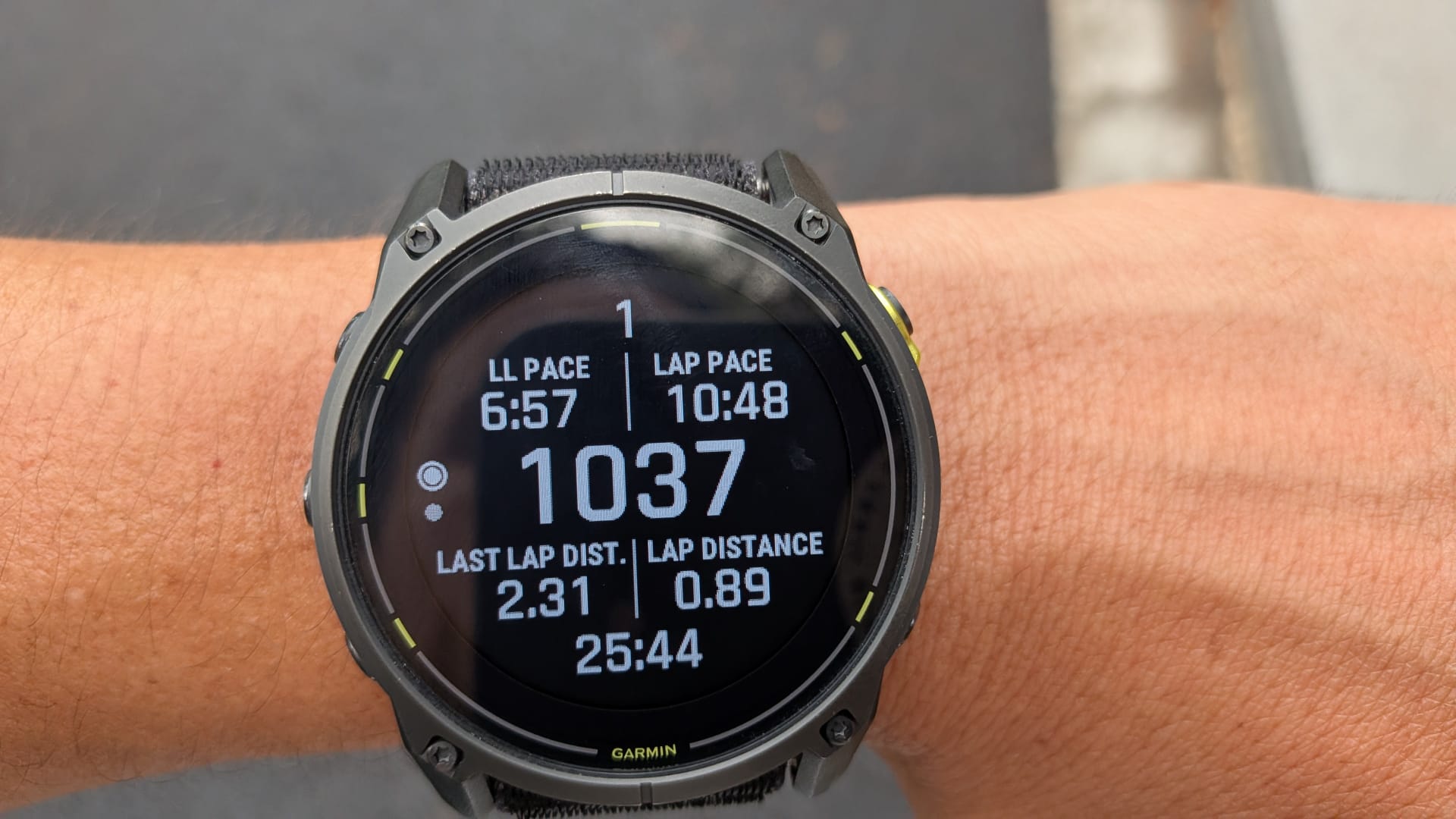
Time of day, because Spartathlon cutoffs are managed by clock time rather than elapsed time. Last lap distance and current lap distance, mostly to confirm the previous lap actually triggered at the checkpoint and not somewhere random. And the activity timer, which I probably will not check often. But it is fun to see once those numbers become big.
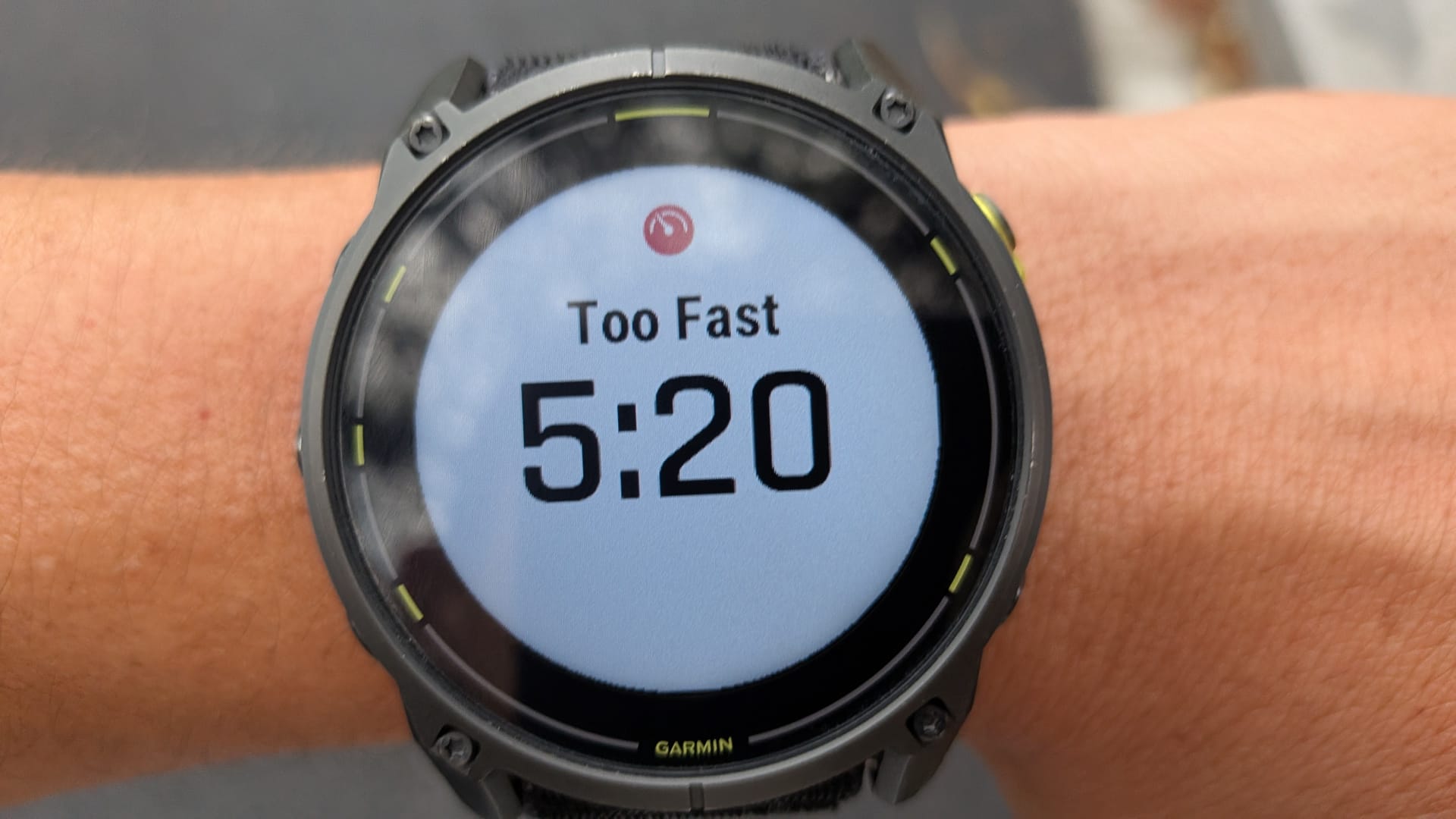
On top of both screens, I have a too-fast alarm set at 5:55 per kilometer, just above my lactate threshold pace. Useful the opening third, when the legs are fresh and the temptation to run too well is highest. Everything else is off. No phone notifications, no incoming messages, nothing that does not serve the race directly.
One feature I am learning to like, and hoping not to need too often, is the cutoff warning at each course point. You can load the actual cutoff time into each checkpoint, and the watch will flag your status in green, yellow, or red depending on how comfortably you are expected to make it. Ten minutes before a cutoff and you have not arrived, it will let you know.
Why not Auto Lap
I tried, several times, to get Garmin’s Auto Lap by Timing Gates working from the desktop app, hoping the watch would trigger a lap automatically at each checkpoint. It is a mess. The setup wants two separate sets of points, one for course notifications telling you the next checkpoint is approaching, and a near-identical second set just for the auto lap trigger, and I could not get the second half to work.
I gave up. I will do this the way I always have, manually, pressing the button myself at every checkpoint. It is one more small task added to a stop. And likelihood is I will mess it up at times. But by now it is instinct rather than effort.
One last note on hardware. I usually wear a chest strap for VO2 max sessions, since it reads heart rate more accurately than the wrist. For something this long, I find it bulky, and I am leaving it home. The wrist sensor is not as precise in the moment, but averaged over a lap, it should give me a good idea of the situation.